

Learning how to build a smart home on a budget is easier than you think. You can start with one smart light, a voice speaker, or a simple plug and make your home more convenient little by little. You do not need complicated wiring or a house full of expensive gadgets. The best approach is to start small and add new devices when you actually need them.
In this guide, we will look at five useful smart-home products, explain what each one does, and show you an easy way to build a smart home on a budget without wasting money.
Choose a Voice Assistant
The first device can be a small smart speaker. Think of it as the control point for your setup. You can use your voice to ask questions, play music, set timers, and control compatible smart devices.
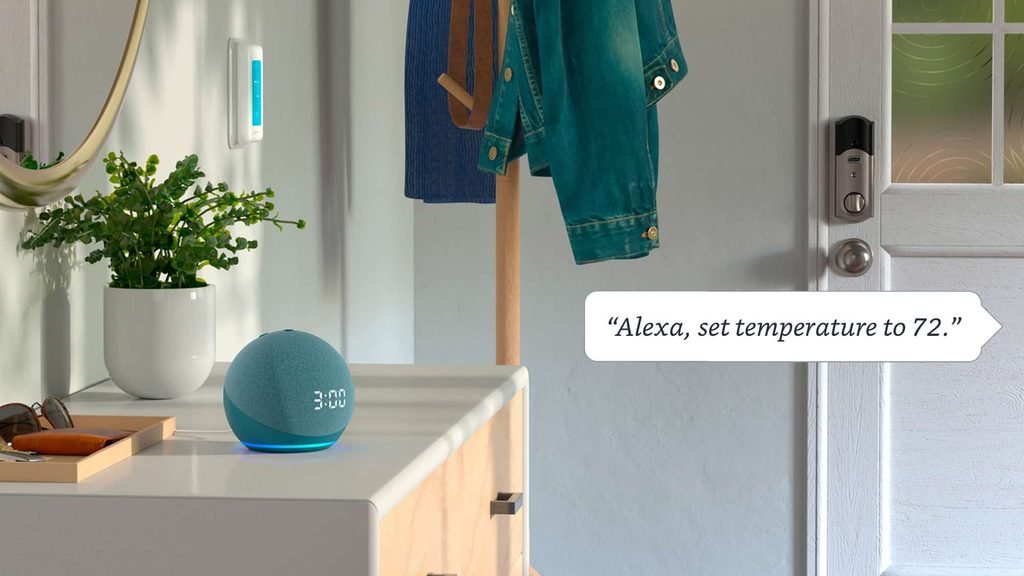
Amazon Echo Dot (5th Gen)
Why it’s useful:
- The Echo Dot is a compact smart speaker that works with Alexa. You can use it for everyday tasks and control compatible smart-home devices with voice commands.
- It can also work with supported Matter devices, which can make it easier to connect products from different brands.
Beginner Tip:
Before buying other gadgets, decide which smart-home platform you want to use. If you choose Alexa, look for products marked Works with Alexa or check whether they support Matter. This simple step can save you from buying devices that do not work well together.
Make Your Lights Smarter
Smart lighting is one of the easiest ways to notice a difference in your room. Instead of getting up to switch a lamp on or off, you can use your phone, an app, or a suitable voice assistant.
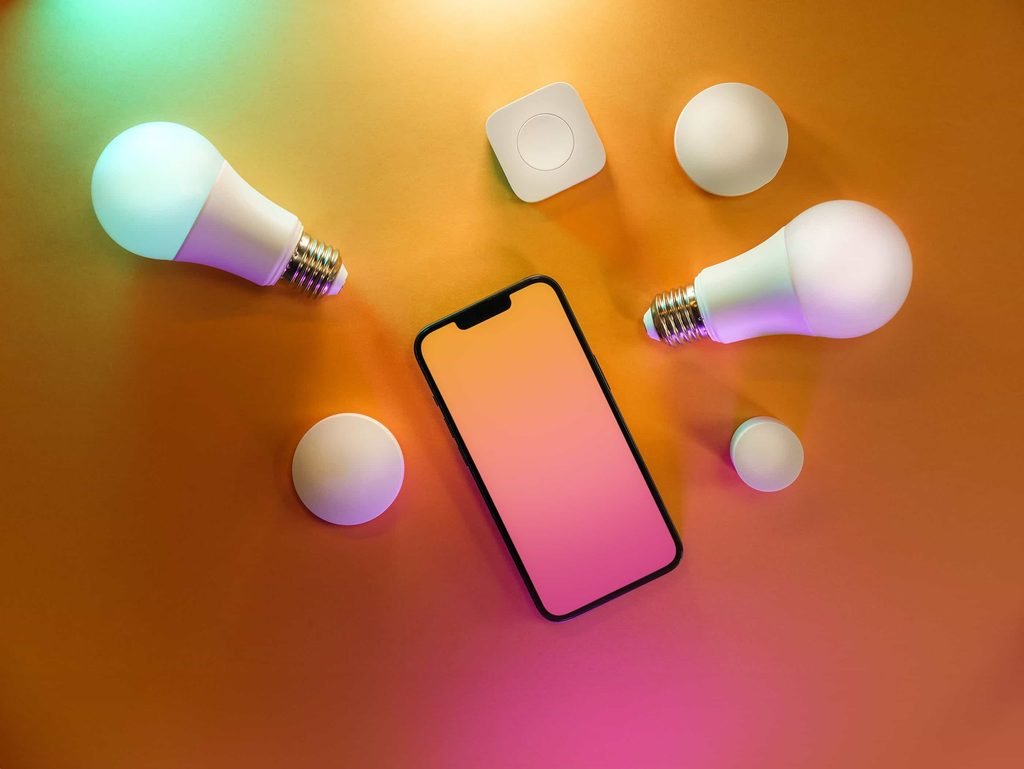
Philips Hue White and Color Ambiance Smart Bulb
Why it’s useful:
- This LED bulb can provide normal white light as well as different colors. You can dim it, change the color, and create a different mood for your room.
- Philips Hue offers Bluetooth and Zigbee connectivity, and its products can work with platforms such as Alexa, Google Home, and Apple Home. Some Hue setups use a Hue Bridge for voice-assistant and advanced features, so check the exact bulb and package before buying.
Easy Idea:
You do not need smart bulbs in every room. Start with the bedroom, study area, or one main lamp. Once you are comfortable using it, you can decide whether you want more.
Turn a Normal Device Into a Smart One
Not every appliance needs to be replaced with an expensive smart version. A smart plug can give some ordinary devices simple remote or scheduled control.
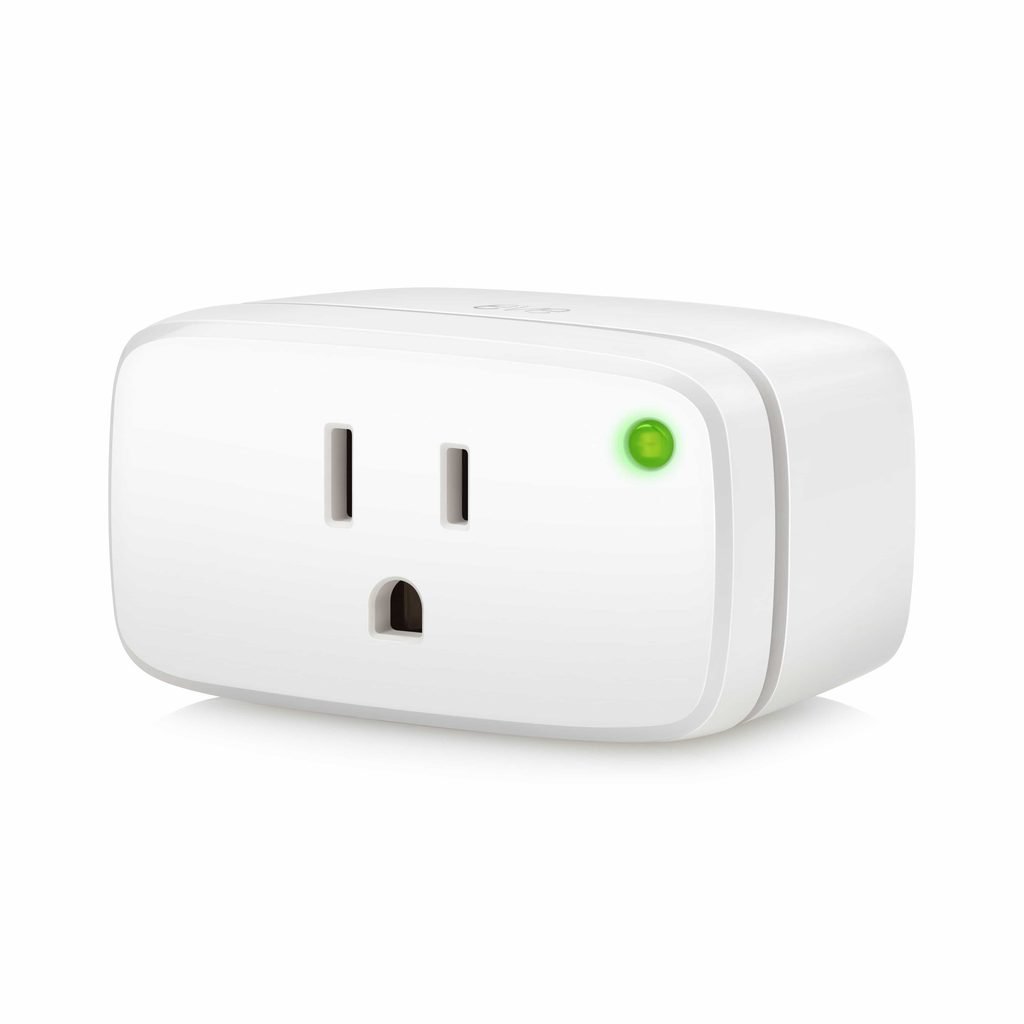
Eve Energy Smart Plug
Why it’s useful:
- The Eve Energy can help you control a connected device and monitor its energy use. Current Eve devices that support Bluetooth also support Thread, and Eve describes Thread as part of the Matter smart-home ecosystem.
- You could use a adaptable smart plug with a lamp or another suitable device that you want to control more easily.
Important Safety Tip:
Always check the plug’s electrical rating before connecting an appliance. A smart plug should only be used with devices that are suitable for its rated load. Also check the exact Eve Energy version and make sure its compatibility matches your smart-home system before purchasing.
Add a Smart Doorbell
Once your basic setup is working, you can add a device for your home’s entrance. A smart doorbell can let you see visitors from your phone and, depending on the model and service, talk to them remotely.
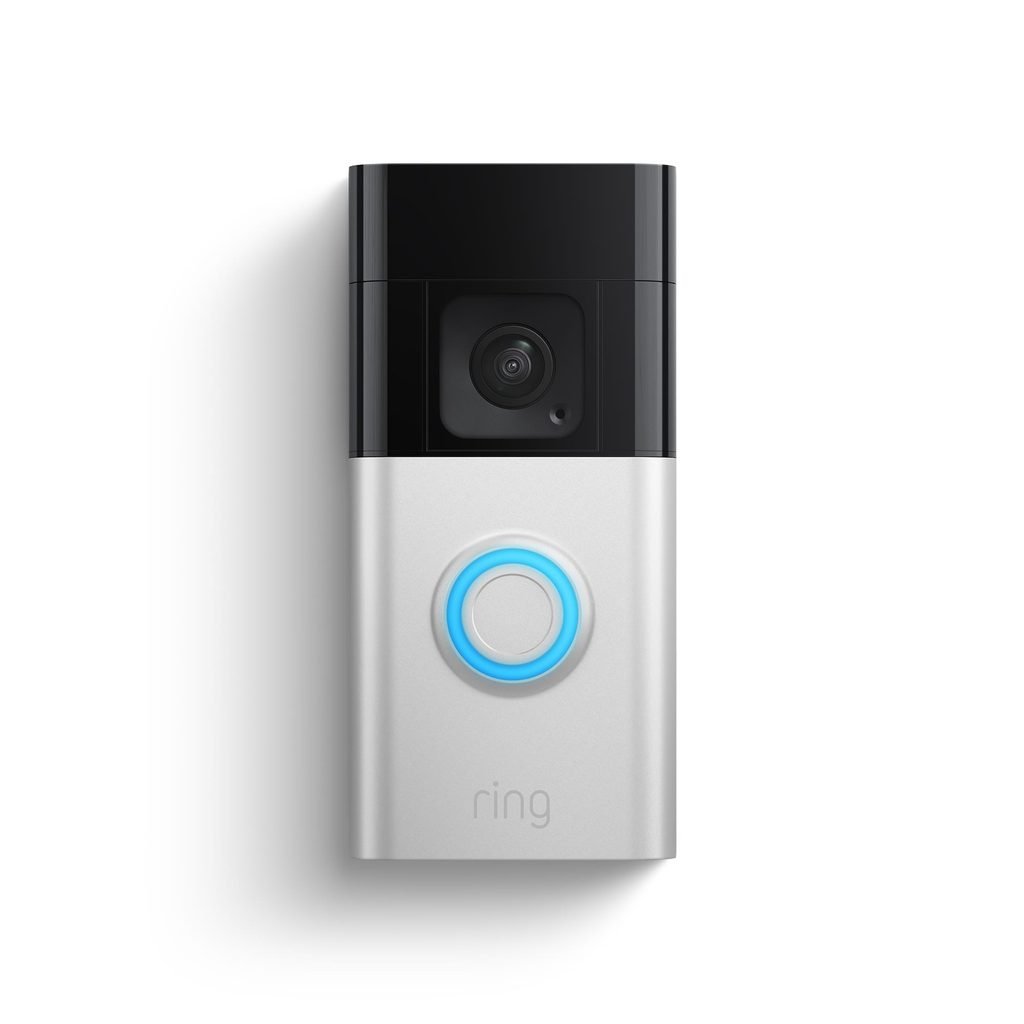
Ring Battery Doorbell Plus
Why it’s useful:
- This battery-powered doorbell is designed to let you check the area around your front door and communicate with visitors through the Ring app.
- Before buying a video doorbell, check the features available in your country and whether cloud recording or other advanced features require a paid plan.
Beginner Tip:
Do not buy a doorbell only because it has a long list of features. Think about what you actually need:
- Live video
- Motion alerts
- Two-way communication
- Battery power
- Local or cloud video storage
- A service plan, if required
Choosing based on your needs can help keep the total cost under control.
Watch Outdoor Areas
If you want to keep an eye on a garden, driveway, entrance, or another outdoor area, a wire-free camera can be a useful addition.
TP-Link Tapo C425 Outdoor Camera
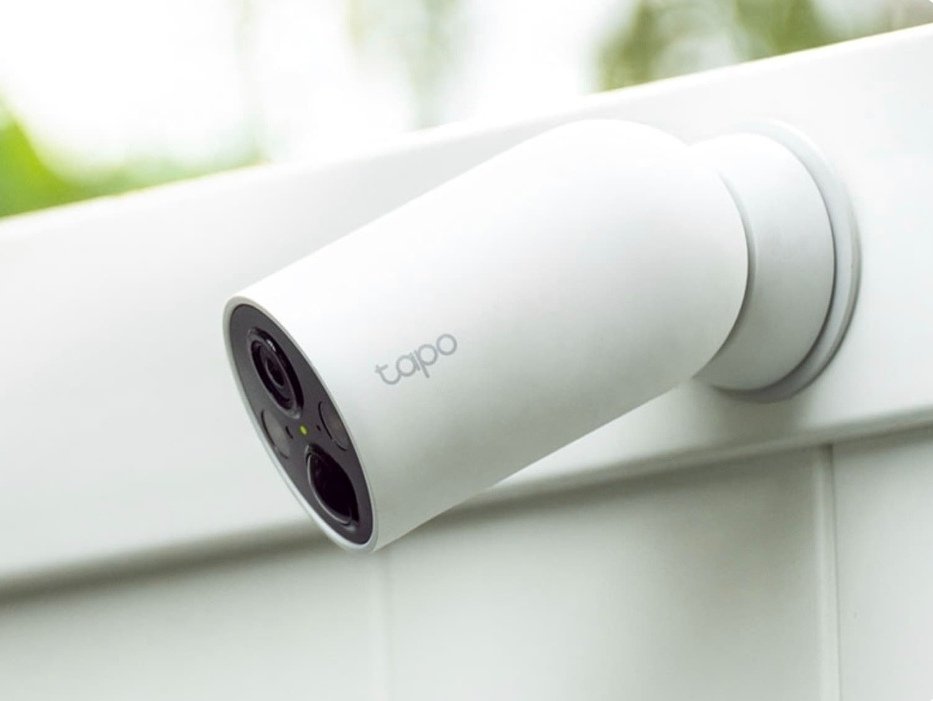
Why it’s useful:
- The Tapo C425 is a wire-free outdoor camera with 2K video, color night vision, motion detection, person detection, pet detection, and vehicle detection.
- It uses Wi-Fi and does not require a separate hub. It also supports local microSD storage of up to 512GB, while cloud storage through Tapo Care requires a subscription.
- TP-Link also lists support for Amazon Alexa and Google Home.
Why This Can Be Good for a Budget Setup:
You do not necessarily need a camera on every side of your house. Start with one location where a camera would be most useful. You can add another later if your needs change.
A Simple Smart Home Setup Plan
| Order | Category | Starter Device | Main Purpose |
|---|---|---|---|
| 1 | Voice Control | Amazon Echo Dot (5th Gen) | Voice commands and smart-home control |
| 2 | Smart Lighting | Philips Hue Color Bulb | Dimming and changing light |
| 3 | Power Control | Eve Energy Smart Plug | Control and energy monitoring |
| 4 | Door Protection | Ring Battery Doorbell Plus | Check visitors at the entrance |
| 5 | Outdoor Camera | TP-Link Tapo C425 | Monitor an outdoor area |
You do not have to buy all five at once. For a smaller budget, start with one voice assistant and one smart light or plug. Learn how everything works, then expand your setup when you are ready.
How to Build a Smart Home on a Budget Step-by-Step Setup
Buying the gadgets is only half the job. The setup should also be simple.
Check Your Wi-Fi
Make sure your Wi-Fi signal reaches the place where you want to install each device. Outdoor cameras may need extra attention because walls and distance can weaken the signal.
Set Up Your Main App
Install the app for your chosen smart-home platform and follow the setup instructions. For Matter devices, the setup process can be handled through compatible smart-home apps. Google Home, for example, supports Matter devices through the Google Home app when the required hub and network setup are available.
Add One Device
Do not connect everything at the same time. Set up your first smart bulb or plug and test it. Try turning it on and off from your phone. Then test the voice command if your device supports it.
Create One Simple Automation
Once the device works properly, try one basic automation.
For example: “Turn the bedroom light on at 7 PM.” You can create more useful routines later.
Add More Devices Slowly
If your first device works well, add another one. This makes it easier to find problems if something stops working.
5 Easy Rules for Building a Smart Home on a Budget
Check Compatibility Before You Buy
This is one of the most important rules. Do not assume that every smart device will work with every speaker or app.
Look for labels such as:
- Works with Alexa
- Works with Google Home
- Apple Home compatibility
- Matter
Matter is designed to improve compatibility between smart-home products from different brands, but you should still check the exact device, supported features, and required hub or network technology before buying.
Do Not Buy Everything at Once
A smart home is something you can build over time. Start with one or two useful products instead of spending a large amount of money on gadgets you may not use.
Choose Useful Devices
A smart device is only worth buying if it solves a real problem.
For example:
- Smart bulb → easier lighting
- Smart plug → simple power control
- Doorbell → see visitors
- Outdoor camera → monitor an important area
Think about your daily routine before adding another gadget.
Keep Your Wi-Fi in Mind
Smart devices need a reliable connection. If a camera is far from your router, its connection may be weaker. Check your Wi-Fi coverage before installing devices in distant rooms or outside.
Think About Privacy
Smart speakers and cameras can collect information through their apps and connected services. Use strong passwords, keep device software updated, and check privacy settings regularly. For cameras, choose carefully where you place them and avoid pointing them toward areas where other people’s privacy could be affected.
How Much Should a Beginner Spend?
You do not need to build a complete smart home in one day. A simple plan could look like this:
Small Budget
Start with:
- One smart speaker
- One smart bulb
This is enough to learn the basics of voice control and smart lighting.
Medium Budget
Add:
- One smart plug
- Another smart bulb
- A simple automation
Now your setup can handle more everyday tasks.
Larger Setup
After that, you can consider:
- A smart doorbell
- An outdoor camera
- Additional lights
- More smart plugs
The important thing is not the number of devices. The goal is to create a home that is easier and more convenient to use.
Are Smart Homes Really Worth It?
For many beginners, yes—but only when the devices solve real problems. A smart bulb can be useful if you often forget to switch off a light. A smart plug can help you schedule a suitable device. A doorbell can make it easier to check who is at the entrance. But buying gadgets just because they are “smart” can quickly become expensive. That is why the best smart home is not the one with the most devices. It is the one with the right devices for your everyday life.
Final Thoughts
When you want to build a smart home on a budget, the best approach is to take it one step at a time. Start with a voice assistant, add a smart light or plug, and learn how your setup works. Once you are comfortable, you can add a doorbell or outdoor camera. Before every purchase, check compatibility, network requirements, privacy settings, and any subscription costs. You do not need a huge collection of gadgets to make your home feel smarter. Start with one useful device, learn how it works, and build from there.
Want to explore more options? Check out our guide on the Best Smart Home Gadgets in 2026: 15 Actually Useful Devices for Your Home to find more gear for different rooms and everyday needs.